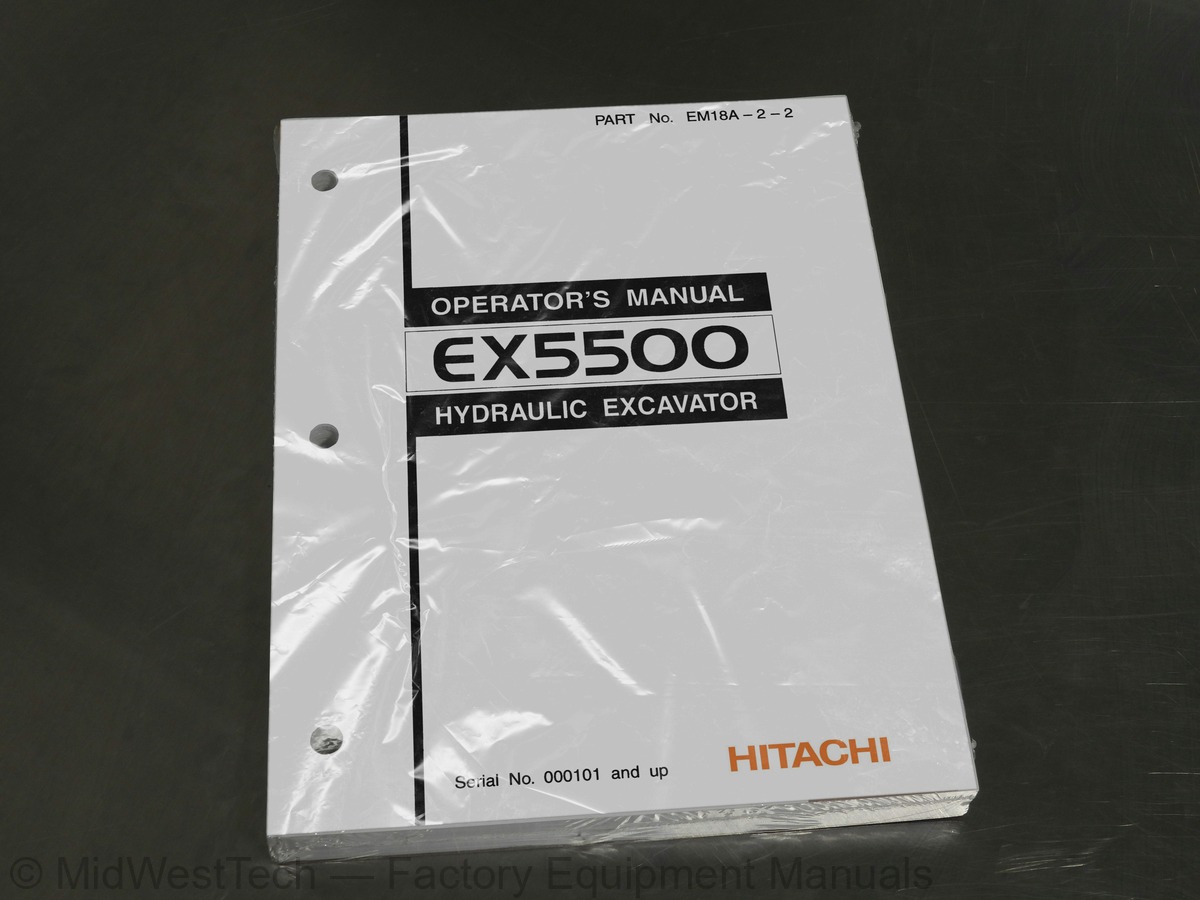
Hitachi EX5500 Excavator Operator's Manual
296 pages · Publication EM18A-2-2
Added to your cart. View cart
- Models
- EX5500
- Serial coverage
- SN 000101 and up
- Manual type
- Operator's Manual
- Pages
- 296
- Publication
- EM18A-2-2
- Condition
- Brand new
What's inside
From the manual's own table of contents: 260 topics. See sample pages (PDF, 454 KB)
- Recognize Safety Information
- Understand Signal Words
- Follow Safety Instructions
- Prepare for Emergencies
- Wear Protective Clothing
- Protect Against Noise
- Inspect Machine
- Use Handholds and Steps
- Adjust the Operator’s Seat
- Fasten Your Seat Belt
- Move and Operate Machine Safely
- Operate only from Operator’s Seat
- Handle Starting Aids Safely
- Jump Starting
- Keep Riders Off Machine
- Investigate Job Site Beforehand
- Protect Against Falling Stones and Debris
- Multiple Numbers of Machines
- Confirm Direction of Machine to be Driven
- Drive Machine Safely
- Avoid Injury from Rollaway Accidents
- and Swing Accidents
- Keep Personnel Clear from Working Area
- Never Position Bucket Over Anyone
Show all 260 topics
- Avoid Undercutting
- Avoid Tipping
- Never Undercut a High Bank
- Dig with Caution
- Operate with Caution
- Avoid Power Lines
- Object Handling
- Protect Against Flying Debris
- Park Machine Safely
- Handle Fluids Safely-Avoid Fires
- Practice Safe Maintenance
- Warn Others of Service Work
- Support Machine Properly
- Stay Clear of Moving Parts
- Prevent Parts from Flying
- Store Attachments Safely
- Prevent Burns
- Replace Rubber Hoses Periodically
- Avoid High-Pressure Fluids
- Prevent Fires
- Evacuating in Case of Fire
- Beware of Exhaust Fumes
- Fluid Lines
- Containing Flammable Fluids
- or Heating
- Prevent Battery Explosions
- Service Air Conditioning System Safely
- Avoid Harmful Asbestos Dust
- Handle Chemical Products Safely
- Dispose of Waste Properly
- SAFETY SIGNS
- COMPONENTS NAME
- Using Ladder
- Operating Ladder on the Ground
- Operating Ladder on the Upperstructure
- Emergency Escape
- Emergency Exit
- Cab Features
- Monitor Panel and Switch Panels (Left)
- Monitor Panel
- Coolant Temperature Gauge
- Hydraulic Oil Temperature Gauge
- Tachometer
- Fuel Gauge
- Alternator Indicator
- Indicator
- Hydraulic Oil Level Indicator (Warning)
- Fuel Level Indicator
- Auto-Lubrication Indicator (Optional)
- Engine Oil Level Indicator
- Coolant Level Indicator
- Download Indicator
- Hydraulic Oil Level Indicator
- CENTRYTM Engine System Indicator
- Travel Mode Indicator (Slow Speed)
- Travel Mode Indicator (Fast Speed)
- Auto-Idle Indicator
- Prelub Indicator
- Engine Oil Pressure Indicator (Warning)
- Overheat Indicator (Warning)
- Coolant Level Indicator (Warning)
- Fast Filling System Indicator
- Pump Contamination Indicator
- Air Cleaner Restriction Indicator
- Stop Valve Indicator (Warning)
- Engine Stop Indicator
- Ladder Position Indicator
- Switch Panel
- Wiper Switch
- Wiper Delay Selector Switch
- Washer Switch
- Air Conditioners
- Cooling
- Heating
- Dehumidifying and Heating
- Defrosting
- Ventilating the Cab
- Indicator Light Check Switch
- Level Check Switch
- Buzzer Stop Switch
- Download (Optional)
- Dimmer Switch
- Engine Speed Control Lever
- Work Light Switch
- Dome Light Switch
- Engine Room Light Switch
- Entrance Light Switch
- Travel Speed Switch
- Auto-Idle Switch
- Fast-Filling System
- Ether Switch (Starting Aid Switch)
- CENTRYTM Diag. Test Switch
- Switch Panel (Right)
- Emergency Engine Stop Switch
- Hour Meter
- Horn Switch
- FM/AM Radio Operation
- Digital Clock Setting Procedure
- Operator’s Seat Adjustment
- Seat Belt
- Cab Door Release Button
- Opening Cab Left Window
- Observe Machine Closely
- Inspect Machine Daily Before Starting
- Before Starting Engine
- Level Check
- Starting the Engine
- Starting in Cold Weather
- Check Instruments after Starting
- Using Booster Batteries
- Stopping the Engine
- Drive Machine Carefully
- Steering the Machine Using Pedals
- Steering the Machine Using Levers
- Travel Alarm
- Traveling
- Operating on Soft Ground
- Raise One Track Using Boom and Arm
- Towing Nachine a Short Distance
- Operating in Water or Mud
- Precaution For Traveling On slopes
- Parking the Machine On Slopes
- Parking the Machine
- Control Lever (HITACHI Pattern Backhoe)
- Conrol Lever (ISO Pattern Backhoe)
- (HITACHI Pattern Loading Shovel)
- (ISO Pattern Loading Shovel)
- (Loading Shovel)
- Pilot Control Shut-Off Lever
- Engine Speed Control
- Precautions for Operations
- Operate the Machine Safely
- Operating Backhoe
- Grading Operation
- Avoid Abusive Operation
- Operating Tips
- Avoid Swinging Bucket To Move Objects
- Loading Shovel Operation
- Prohibited Operation
- Object Handling …If Equipped
- Overnight Storage Instructions
- and Inspection Procedures
- Check the Hour Meter Regularly
- Use Correct Fuels and Lubricants
- Prepare Machine for Maintenance
- Access Covers
- Inspection/Maintenance Lights
- Use a Chain to Prevent Falling Accidents
- Electric Pump
- Construction Outline
- Hydraulic System
- Loading Shovel
- Backhoe
- Periodic Replacement of Parts
- Maintenance Interval Guide
- A. Greasing
- Loader Front Joint Pins
- Backhoe Front Joint Pins
- Swing Bearing
- Swing Internal Gear
- Center Joint
- Operating the Lubricator
- B. Engine
- Engine Oil Level
- Change Engine Oil
- Bypass Filters
- C. Transmission
- Pump Transmission
- Swing Reduction Gear
- Travel Reduction Gear
- D. Hydraulic System
- of Hydraulic Equipment
- Check Hydraulic Oil Level
- Drain Hydraulic Oil Tank Sump
- Replace Full-Flow Filter and Drain Filter
- Replace Bypass Filter Element
- Replace Pilot Oil Filter
- Change Hydraulic Oil
- Clean Suction Strainer
- Replace Suction Filter
- Replace High-Pressure Strainer
- Clean Oil Cooler Core
- Check Hoses and Lines
- E. Fuel System
- Drain Fuel Tank Sump
- Drain Fuel Filter Sediment
- Replace Fuel Filter
- Check Fuel Hoses
- F. Air Cleaner
- Clean Air Cleaner Outer Element
- Inner Elements
- G. Cooling System
- Check Coolant Level
- Check DCA4 Concentration in Coolant
- Replace Coolant Filter
- Change Coolant
- Clean Radiator Interior
- Clean Radiator Core
- Check Fan Belt for Wear
- H. Air Conditioner
- Recirculation Air Filter
- Ventilation Air Filter
- Check Refrigerant Quantity
- Check Compressor Belt Tension
- Clean Condenser Core
- Check Tightening Torque
- Seasonal Maintenance
- Electrical System
- Batteries
- Replace Batteries
- Replacing Fuses
- Power Source Terminal
- Slow Blow Fuse
- Harnesses for Short Circuits
- J. Miscellaneous
- Check Bucket Teeth
- Check and Replace Seat Belt
- and Hanger
- Check Emergency Engine Stop Switch
- Auto-Lubrication System
- Check Grease Level
- Check Track Sag
- Cylinder Circuit
- Check Side Frame Area
- Check Windshield Washer Fluid Lever
- and Nuts
- Environmental Conditions
- Storing the Machine
- Removing the Machine from Storage
- Engine
- Mode Selection
- Control Levers
- Auto-Idle
- Specifications
- Working Range (Loading Shovel)
- Working Range (Backhoe)
Inside this manual
Real pages from this operator's manual (296 pages). Open the sample pages (PDF, 453 KB)
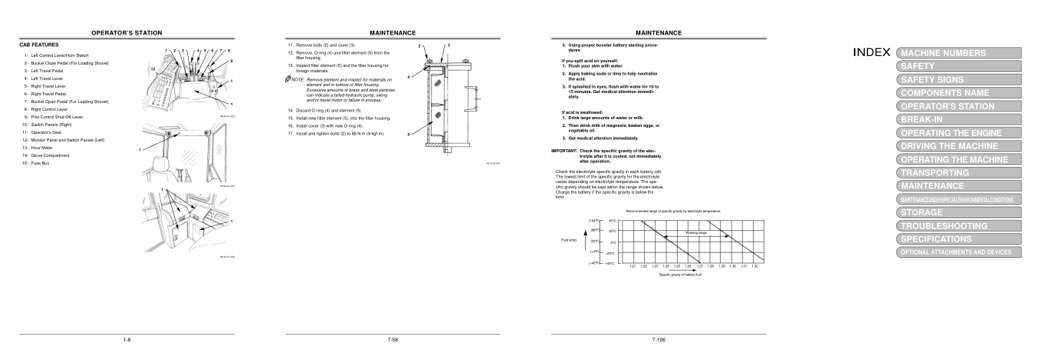
- Controls and operation, page 50: OPERATOR’S STATION
- Maintenance, page 190: 11. Remove bolts (2) and cover (3).
- Specifications, page 238: 5. Using proper booster battery starting proce-
- Foldout diagram, page 3: MACHINE NUMBERS
Other manuals for this machine
Save 10% on 2 manuals, 15% on 3 or more. Other manuals for the EX5500 are listed below. Editions cover different serial number ranges: check the serial coverage and tick only the ones that match your machine.
Added to your cart. View cart
This is an operator's manual
Here's how it compares to the other manual types.
Service manual
Factory repair procedures and technical information such as specifications, troubleshooting, and wiring and hydraulic diagrams, for the models and systems the manual covers. See What's inside for its topics.
Operator's manual
Safe operation, controls, maintenance schedules, lubrication points, inspections, and basic checks. Repair procedures are in the service manual.
Parts manual
Illustrated diagrams with factory part numbers for identifying components and ordering parts. Repair procedures are in the service manual.
What it's used for
Factory manual for in-house farm and construction shop use. Straightforward, complete, and easy to follow. It contains the OEM information dealership service departments and parts counters use to diagnose problems, identify components, and perform maintenance or repairs correctly.
Service shops and owner/operators who repair their own equipment
Identifying correct parts and seeing how assemblies come apart and go back together
Keeping equipment running with less downtime
Factory manual, 296 pages
Quantity one is the manual described above.
Fast free USA shipping
Ships in 1 business day.
60-day returns
Free if the mistake is ours. A manual ordered in error must come back unopened in its shrink-wrap; you pay return shipping and a 20% restocking fee applies. Return policy
Questions about model, serial number, engine coverage or contents? Contact us before purchasing and we'll help confirm it's the right manual. Please verify the manual type, machine model, serial number range and engine coverage before purchasing: manuals ordered in error carry a 20% restocking fee (return policy).